ARM Thumb-2
The ARM architecture supports multiple instruction sets, 16 bit, 32 bit, and 64 bit. The AARCH64 is backward compatable with the older ARMv7, which is now called AARCH32. The AARCH32 supports two instruction sets, the Application set(A32), and the Thumb-2 (T32) set. These are similar with the T32 set being a subset of the A32.
The T32 supports both 16 and 32 bit instructions, and uses 32 bit registers so it works well as within a 32 bit embedded core.
Disassmbly Tools
The two best tools I've found for disassmbling Thumb-2 code are the GNU binutils and Radre2. The Binutils is a terminal only set of tools, but has very solid Thumb-2 support since it's part of the toolchain. There is more detail in this doc on the tools.
GNU Binutils
The primary tool for dissasembling binaries is the objdump program. You need a version compiled for the cross architecture. Since AARCH64 supports AARCH32, we only need to build one toolchain.
aarch64-android-elf-objdump -D --disassembler-options=force-thumb \
-b binary -m arm FILE
Radre2
The Radre2 program has more features for dissasembling binaries. To analyze Thumb code, radre2 the command line, invoke with these options:
r2 -e asm.arch=arm -e bin.relocs.apply=true -e asm.cpu=cortex -e asm.bits=16 FILE
Optionally if you've loaded the files you want to examine, you can set it to the right architecture this way:
[0x00000000]> e asm.arch=arm
[0x00000000]> e asm.bits=16
[0x00000000]> e asm.cpu=cortex
Cutter
Cutter has issues when trying to identify a raw binary, for some of the blobs it assumes they are AARCH64. Which they are, sort-of... but the disassembly generates garbage. However since cutter-re is built using radre2 as the backend, you can specify the same options to get better output.
cutter-re -c cortex -b 16 -a arm FILE
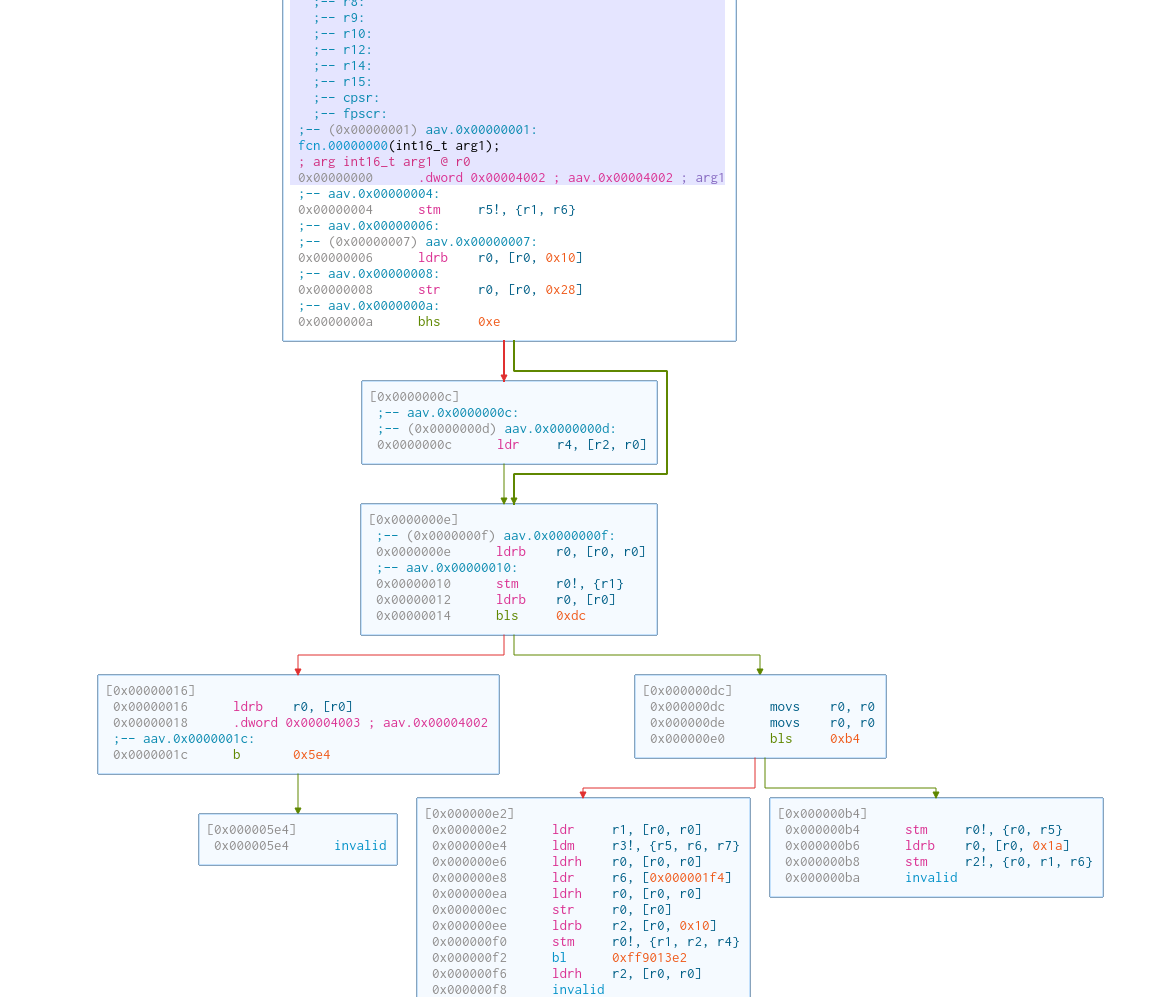
One nice thing is the Cutter supports is a graph of code execution, which is a nicer way to isolate the code blocks and see where branching goes. Radre2 supports something similar if you set the aaef setting in the r2 tool.